How to Submit Your Squarespace or Shopify Website for Indexing
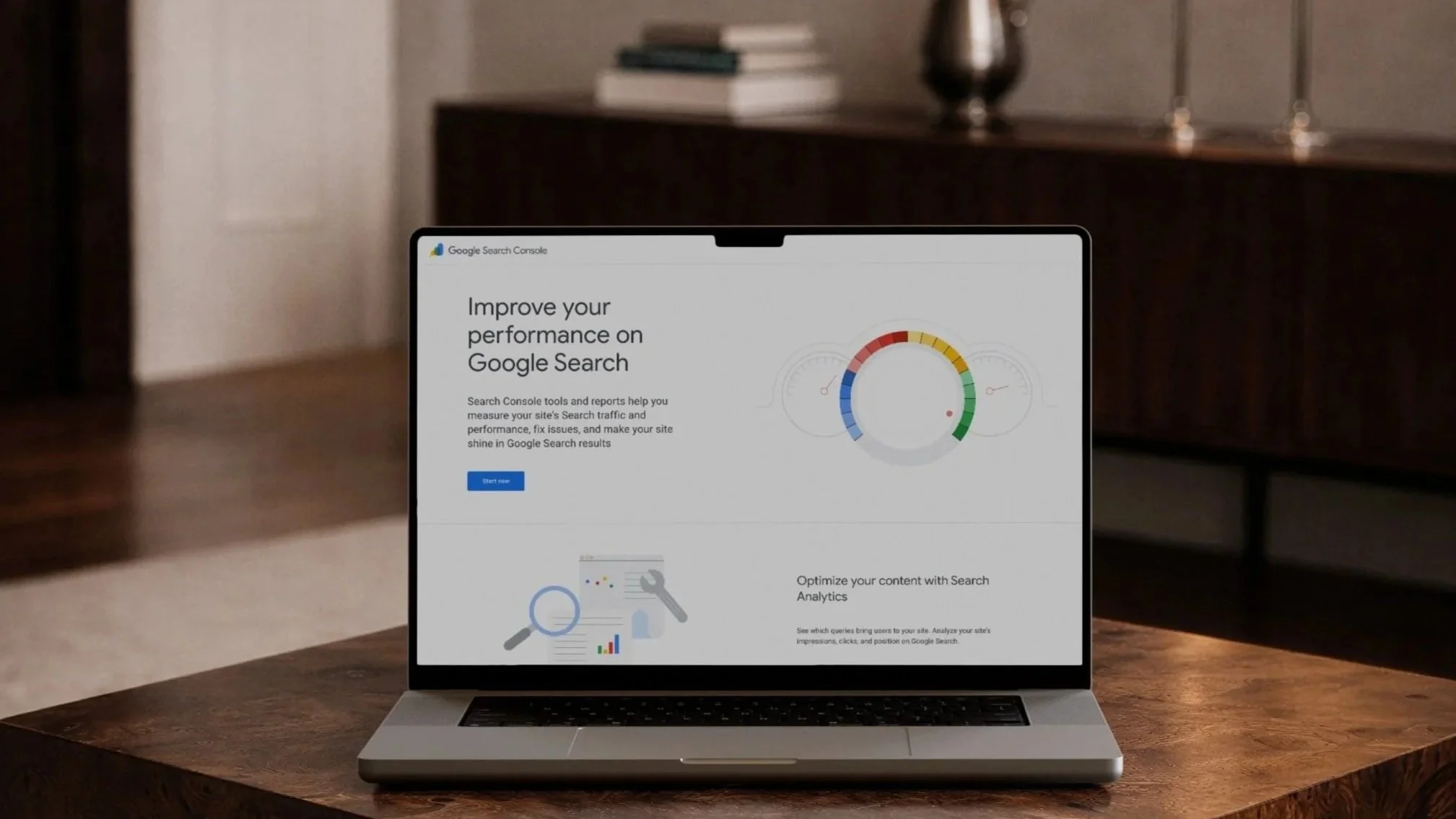
Your website is finished. The design is polished, and you’re getting ready to share it publicly. Before you announce your launch or start directing traffic to your site, there is one important step many business owners don’t realise they need to take…submitting your website for indexing.
When using Squarespace or Shopify, the process is straightforward, and understanding it can make a meaningful difference to how quickly your website begins appearing on Google.
What Does “Indexing” Mean?
Indexing is how Google discovers your website and adds it to its search results.
When your website is indexed, Google:
Finds your pages
Understands what your business offers
Begins showing your site to people searching for related services or products
If your website is not indexed, it will not appear in Google search results, even if it is live and functioning perfectly. In simple terms, indexing is what allows your website to be found.
Why Indexing Is Important at Launch
Submitting your website for indexing is especially important if:
Your site was password-protected during development
You have just launched a brand new website
You have rebranded or changed domains
You want to start building SEO visibility from the outset
Indexing helps ensure:
Google finds your website sooner
Your site does not sit invisible in search results for weeks
Google sees the final, complete version of your website
It is a small but essential step in setting your website up properly.
Doesn’t Squarespace or Shopify Do This Automatically?
Not always. Although Squarespace and Shopify are both SEO-friendly platforms, Google does not automatically know when your website is ready to be indexed.
Manually requesting indexing:
Speeds up discovery
Reduces the chance of missed steps
Gives you clarity that everything has been completed correctly
How to Submit Your Website for Indexing
Step 1: Set Up Google Search Console
Google Search Console is a free tool that allows you to manage how your website appears in Google search results.
To get started:
Go to Google Search Console
Click “Start now”
Sign in with your Google account
Add your website URL
Both Squarespace and Shopify integrate smoothly with Google Search Console, and verification is typically quick to complete.
Step 2: Request Indexing for Your Homepage
Once your website has been verified:
Paste your homepage URL into the search bar at the top of Google Search Console
Press Enter
Click “Request indexing”
This signals to Google that your website is live and ready to be crawled.
You can also request indexing for key pages such as:
About
Services
Shop or Products
Contact
How Long Does Indexing Take?
In most cases, indexing occurs within a few hours to a few days. In some instances, it can take up to a couple of weeks. Indexing does not guarantee immediate rankings, but it does ensure your website is eligible to appear in search results.
Common Indexing Mistakes to Avoid
We often see websites delayed in search results due to:
Launching while the site is still password-protected
Forgetting to request indexing after going live
Assuming Google will automatically find the website
Not re-indexing after a rebrand or domain change
These are easy oversights, particularly during a busy launch phase!

Need Help Making Sure Everything Is Set Up Correctly?
When we design and launch websites at Qwirki & Co., we guide our clients through all essential behind-the-scenes steps, including indexing and launch readiness.
If you have:
Recently launched a Squarespace or Shopify website
Completed a rebrand
Or are unsure whether your website has been indexed
We would love to help.
Book a Discovery Call with Qwirki & Co to review your website, discuss your goals, and ensure everything is set up correctly for launch and long-term growth.